

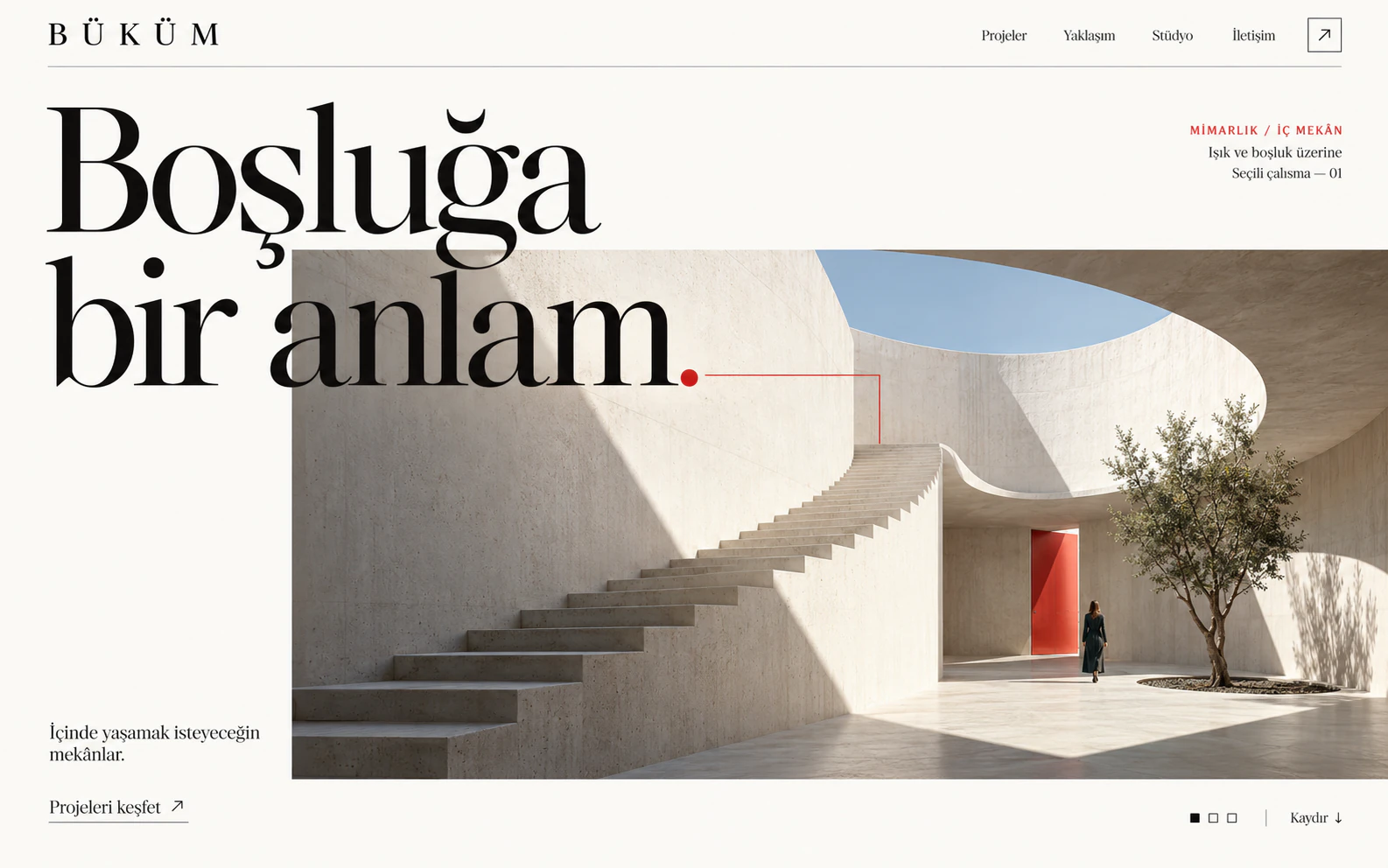





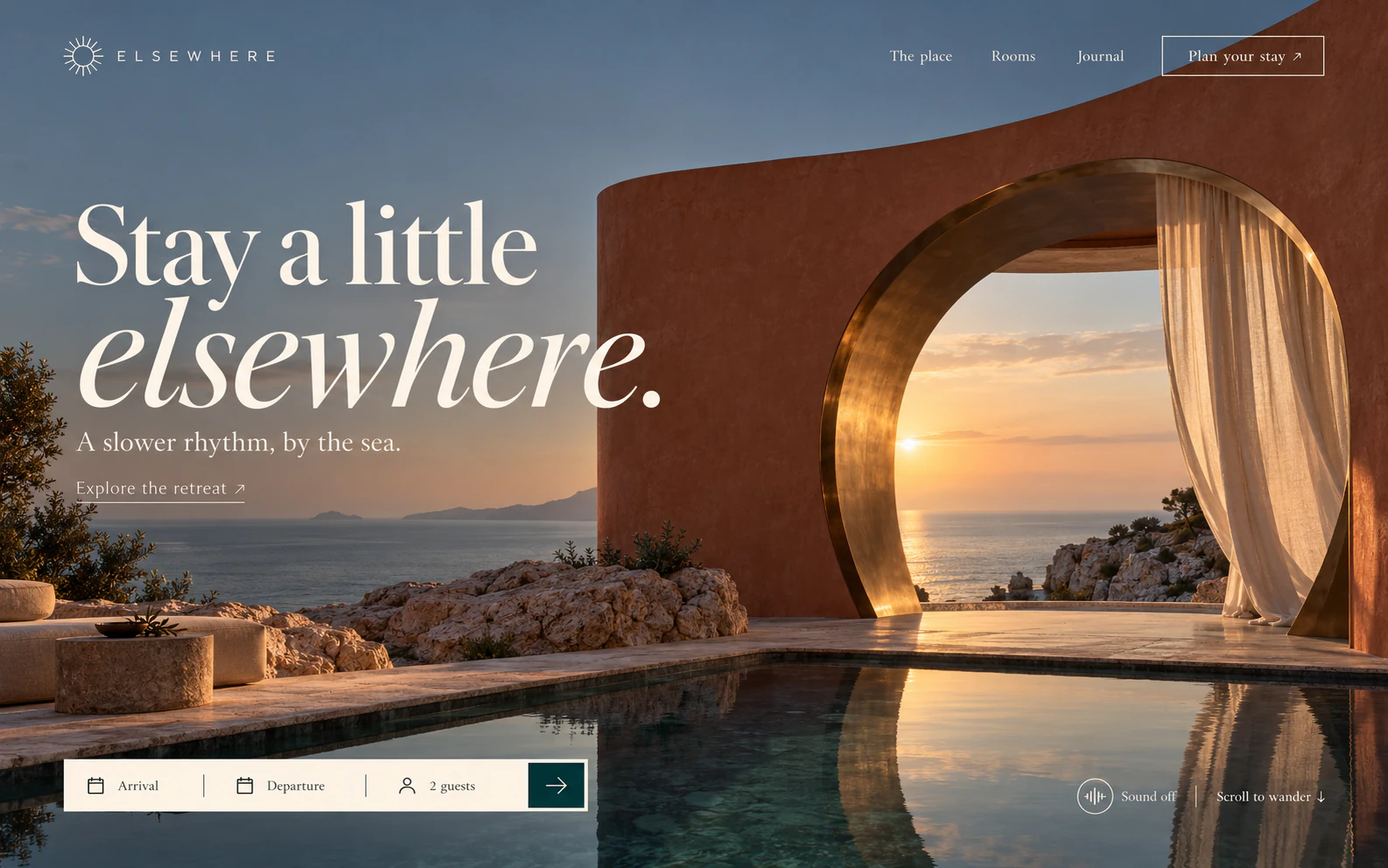







A vertical ad from a product photo
A 10-second vertical ad from a single product photo. The model pick and the exact price come first.
- Video
- 9:16
- 10 s
 Create images NEWTurn your words into a new image.
 Product shoot Show your product in the light you picture.
 IMAGE STUDIOSee what
you imagine.Explore
 Create videos Imagine the first frame.
 Commercial A cinematic story for your product.Remake NEWCreative
 VIDEO STUDIOThe next frame
of your idea.Explore
Add it with one address. Your app picks a model, gets the exact price from Buildary and starts the job with your approval and your Buildary credits.
https://buildary.dev/api/agency/mcp


Apps that can open a sign-in page connect with your Buildary account, no key needed. Command-line agents use the same address.
Using a coding agent? Paste this sentence into it. It connects Buildary itself and starts no paid job.
Fetch and follow https://buildary.dev/agent-setup.md to connect me to Buildary.Works on every Claude plan, Free included. Free plans can add one custom connector. On Team and Enterprise, an organization owner adds the connector and members press Connect.
The button opens Claude's custom connector window with Buildary's name and address filled in. Check the address and press Add.
To add it by hand, go to Customize › Connectors › + Add › Add custom connector and paste this address:
https://buildary.dev/api/agency/mcpPressing Connect opens Buildary's sign-in page. The consent screen tells you this connection can create with your credits; accept it to connect.
Check that Buildary is on in the chat box's + › Connectors menu, then say what you want.
Custom MCP connections are available on ChatGPT Business, Enterprise and Edu, on the web. On Business, an admin or owner adds the connection.
On ChatGPT's Plugins page, press + and choose Add custom MCP server.
Name it Buildary and paste this address into Connection. Choose OAuth for sign-in, tick I understand and want to continue and press Create as a plugin.
https://buildary.dev/api/agency/mcpInstall the plugin and sign in with your Buildary account. In a new chat, type @ and pick Buildary.
Run this command in your terminal:
claude mcp add --transport http buildary https://buildary.dev/api/agency/mcpIn Claude Code, type /mcp, pick Buildary and sign in with your Buildary account in the browser that opens.
This replaces the first two steps. Create an API key and add the server with a header. If you already added Buildary, run claude mcp remove buildary first.
claude mcp add --transport http buildary https://buildary.dev/api/agency/mcp --header "Authorization: Bearer YOUR_API_KEY"The button opens Cursor and adds Buildary as an MCP server.
When Cursor asks you to sign in to Buildary, sign in with your Buildary account in the browser that opens.
Add this to ~/.cursor/mcp.json:
{
  "mcpServers": {
    "buildary": {
      "url": "https://buildary.dev/api/agency/mcp"
    }
  }
}The button opens the MCP server install screen in VS Code. Check the details and install.
When VS Code asks, press Authenticate and sign in with your Buildary account.
You can do the same install with this command:
code --add-mcp '{"name":"buildary","type":"http","url":"https://buildary.dev/api/agency/mcp"}'Run this command in your terminal:
codex mcp add buildary --url https://buildary.dev/api/agency/mcpThis command opens Buildary's sign-in page in your browser:
codex mcp login buildaryThis replaces the first two steps. Create an API key, put it in the BUILDARY_API_KEY environment variable and add the server like this. If you already added Buildary, run codex mcp remove buildary first.
codex mcp add buildary --url https://buildary.dev/api/agency/mcp --bearer-token-env-var BUILDARY_API_KEYAdd this to your app's MCP config file (usually mcp.json). If the app asks for the server in a form, enter the address as a remote (HTTP) server.
{
  "mcpServers": {
    "buildary": {
      "url": "https://buildary.dev/api/agency/mcp"
    }
  }
}If the app can open a sign-in page, sign in with your Buildary account. Nothing else is needed.
Create an API key, then use this config and put your key in place of YOUR_API_KEY:
{
  "mcpServers": {
    "buildary": {
      "url": "https://buildary.dev/api/agency/mcp",
      "headers": {
        "Authorization": "Bearer YOUR_API_KEY"
      }
    }
  }
}The prompt opens as a new chat in Claude. If Buildary isn't connected yet, Claude asks you to connect it first.
A 10-second vertical ad from a single product photo. The model pick and the exact price come first.

A vertical video where a person picks up your product and describes it in one line, as if shot on a phone.
Keeps the edit and the motion of a video you like and remakes it with your own product.

A vertical video that walks through your hotel, café or flat from its photos without changing the place.

White background, tabletop, in hand and close-up: four images of the same product.

A 4:5 campaign image from your product photo, with clear space at the top for your text.
Your app uses Buildary's tools with your account. The tools are read from Buildary every time, so you never update anything when a new model opens.

Make a 10-second 9:16 ad from this photo of my serum. Tell me the price first.
import_from_urlPhoto added to My filesquoteExact credit quote receivedThe quote for a 10-second vertical video with Seedance 2.5 is ready. Say yes and I'll start it.
Yes, start it.
generate_videoVideo startedget_jobVideo ready and saved to My files30+ models
Which models are open depends on your account. Your app gets the current list from Buildary every time.
Before every job your app asks for the exact credit quote and your balance. The job opens with that quote.
Disconnect any time in Settings › Sign-in and security › Connected apps. A running job still finishes.
Results are saved to My files too.
Didn't find your answer? Write to us.
MCP (Model Context Protocol) is the common language AI apps use to work with outside tools. Buildary MCP lets an app like Claude or ChatGPT make videos, Buildary Remakes and images with your Buildary account.
Claude (web and desktop), ChatGPT Business, Enterprise and Edu (web), Claude Code, Cursor, VS Code and Codex. Other apps that can add a remote MCP server connect with the same address.
Each job is paid with the credits in your Buildary balance. Your app gets the exact quote before starting the job, and the amount shown is the amount charged. Your AI app's own subscription is separate.
Your app can use the files in My files. You can also give a public image link. Claude Code, Codex and Cursor can upload a file from your computer themselves. Videos come from My files or from a coding agent's upload.
Not for apps that can open a sign-in page. For tools that can't open a browser, create a key in Settings › Sign-in and security › API keys and send it in the Authorization: Bearer header. The key is shown once. Anyone holding it can create with your credits, so don't share it.
In Settings › Sign-in and security › Connected apps, press Disconnect next to the app. You can revoke API keys on the same page.
To My files. When a job is done, your app gets a viewing link that works for up to an hour; after that it can ask for a new one.
Buildary's sign-in page opens when you connect. You can create an account there.
One click in Claude, a few steps everywhere else.
Product names and logos are trademarks of their owners.